Full VPN directly on your satellite receiver — no router hacks, no PC required. Works on any Enigma 2 image. One command installs everything.

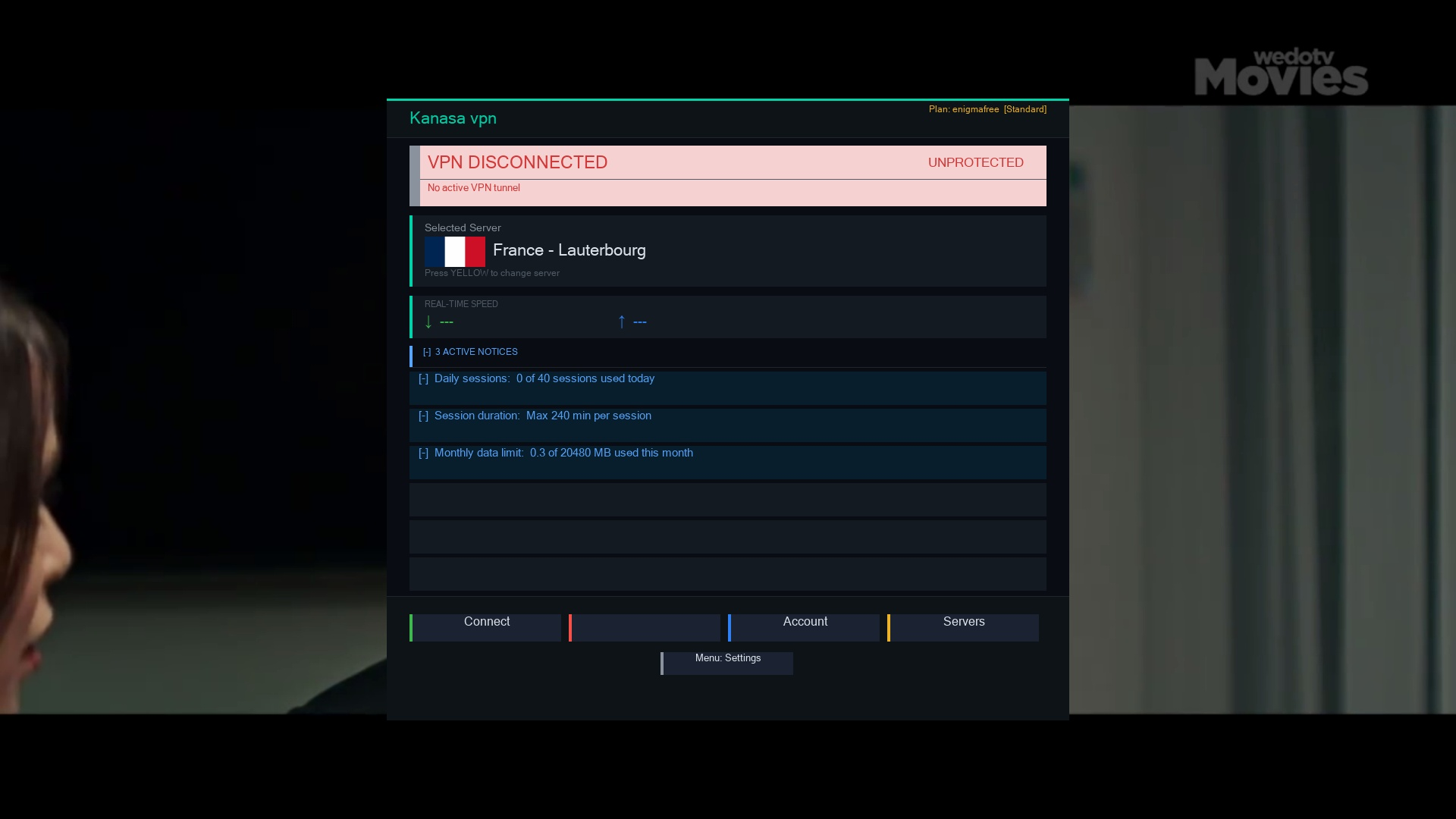
Kanasa VPN integrates natively into Enigma 2 — fully controllable from your TV screen using your remote.
Works on any Enigma 2 image — OpenATV, OpenPLi, DreamOS, OpenVix and all others.
✓ All ImagesA single wget command over SSH/Telnet — no manual setup.
Built on modern Python 3. Python 2.7 support for older images actively in development.
Every connection from your box — CCCam, Oscam, streaming — routes through the encrypted VPN tunnel.
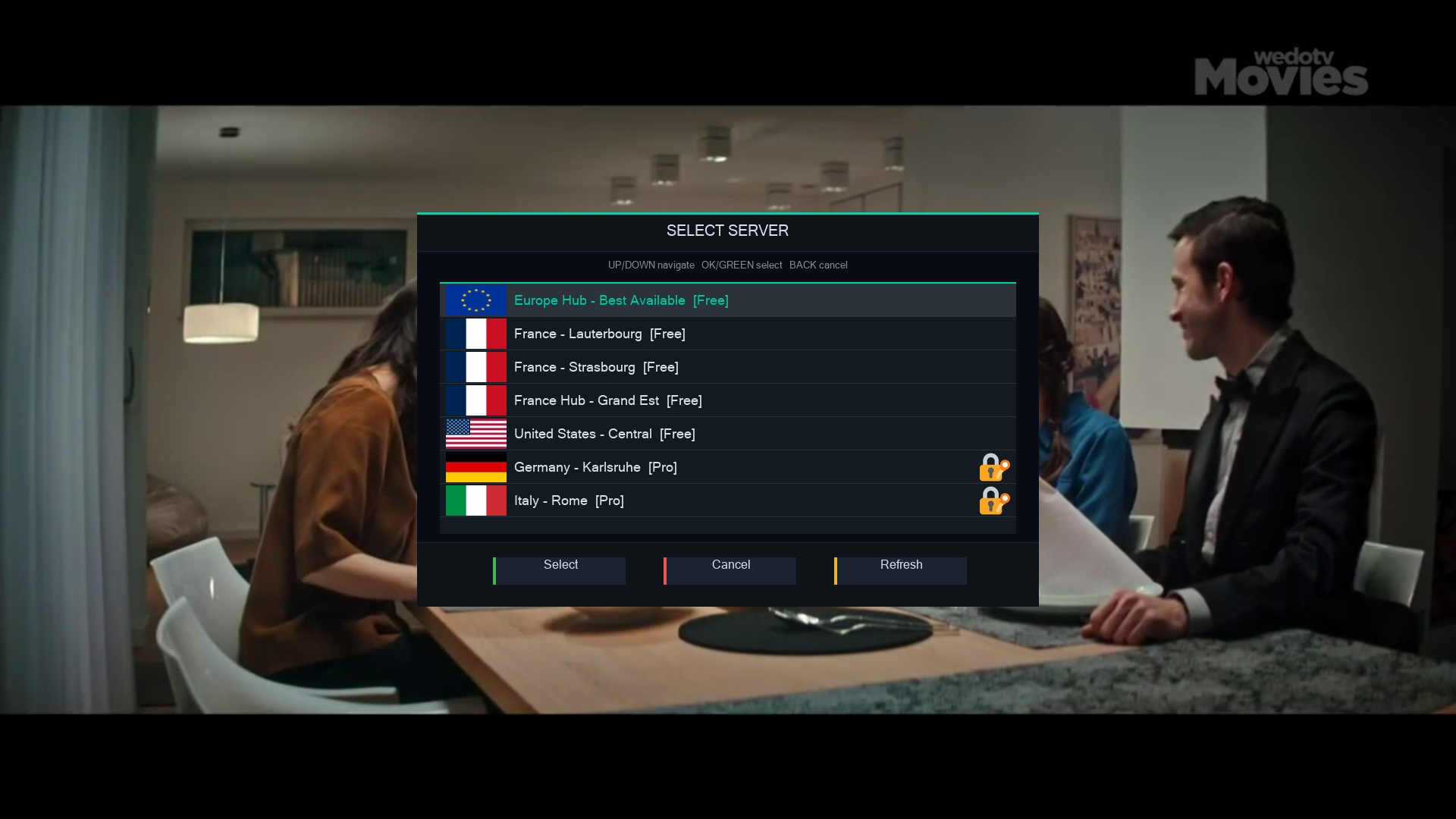
🔒 E2E EncryptedConnect, disconnect, choose servers and check status — all with your remote from the Enigma 2 interface.
🎛️ Remote FriendlyPlugin is completely free. VPN server plans available at kanasavpn.com.
💚 Free ForeverOpen Telnet or SSH to your receiver and run this command.
22 (SSH) or 23 (Telnet).Enter.Plugins menu and press OK.OpenATV 7+, OpenPLi 9+, DreamOS and all modern images.
Support for older images actively in development.
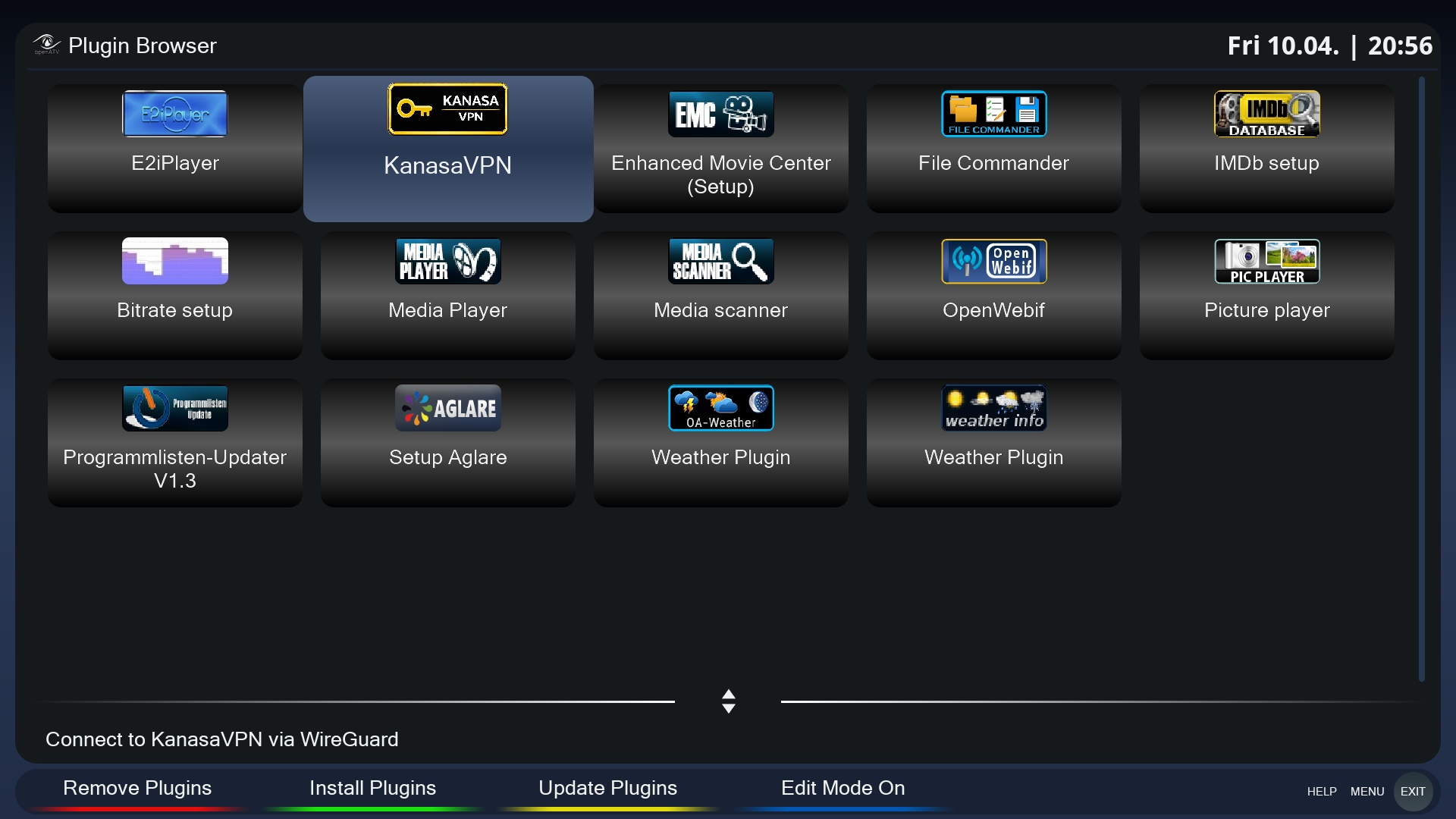
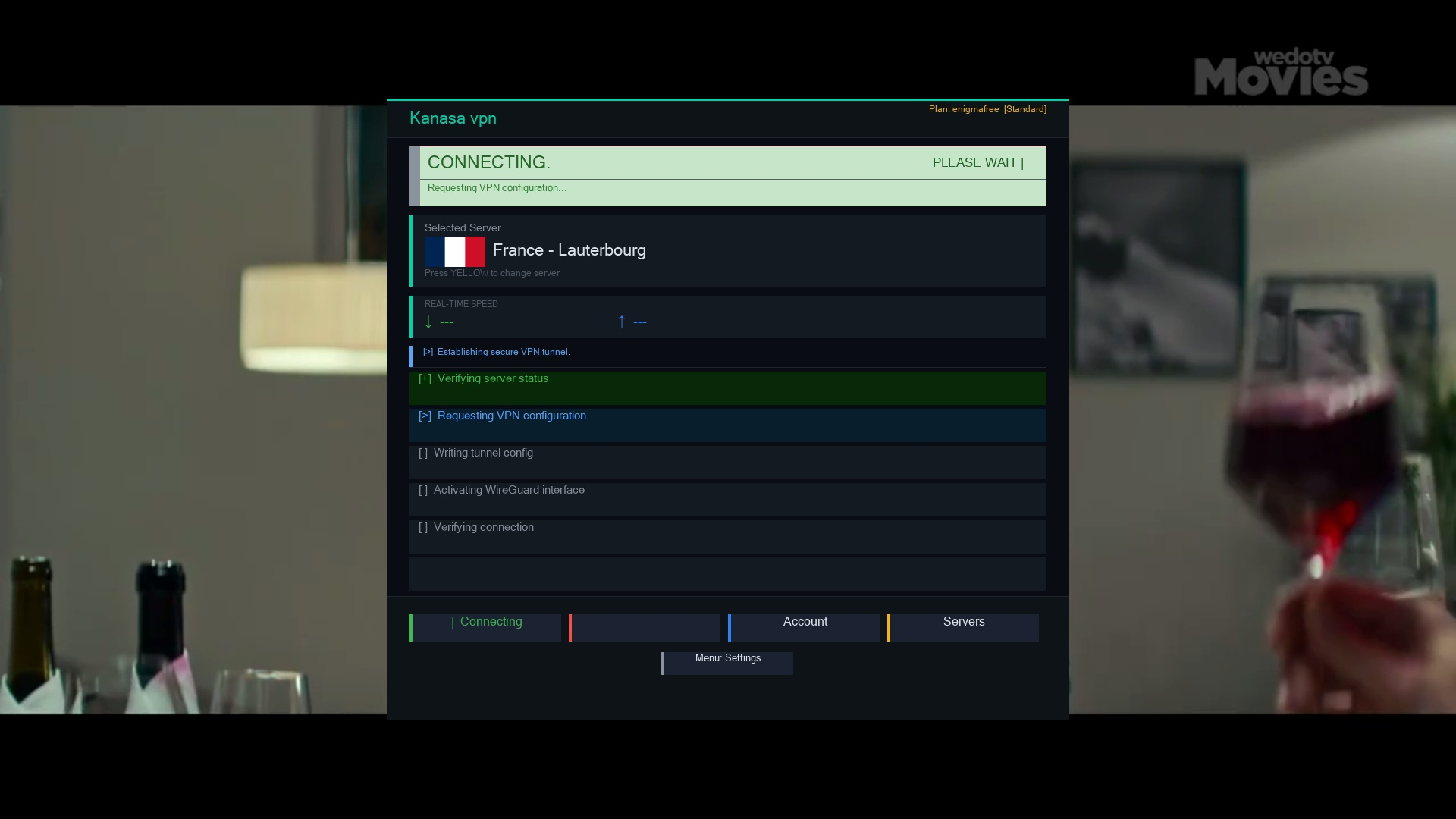
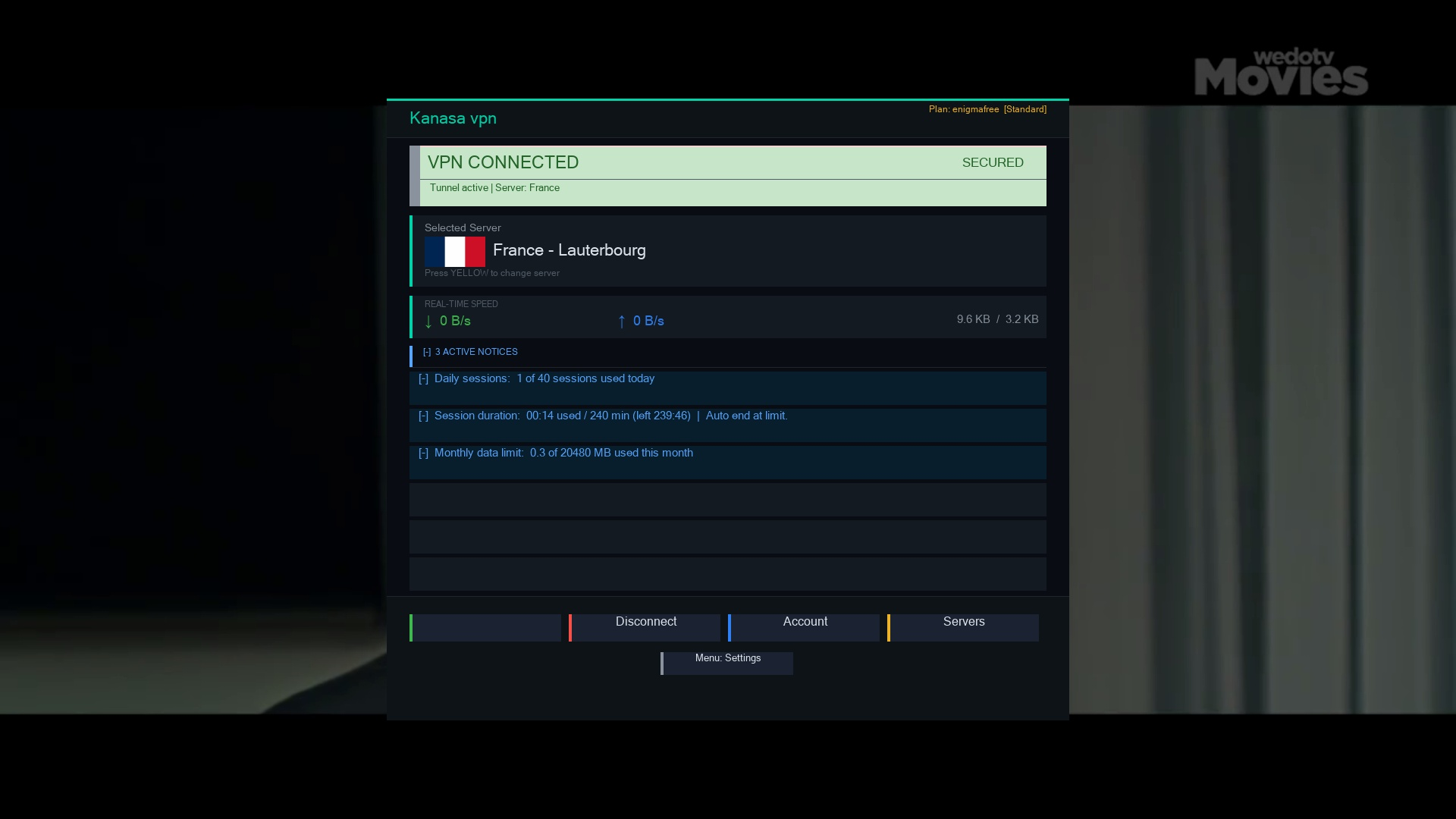
Kanasa VPN running live on an Enigma 2 receiver.
Control your VPN from your Android phone. Connect to fast KanasaVPN servers, protect your privacy on mobile, and manage your Enigma 2 VPN remotely.
Visit kanasavpn.com to learn more about Kanasa VPN plans.
🗓️ Launching on Google Play: April 30, 2026
Open PuTTY or any Telnet/SSH client and connect to your receiver's IP address.
Paste and run the one-line wget command. It handles everything automatically in ~60 seconds.
Restart Enigma 2, open Kanasa VPN from Plugins menu, and connect with your remote.
🟢 = Verified | 🟡 = Should work (Python 3 required)
One command. Any image. Completely free. Takes 60 seconds.